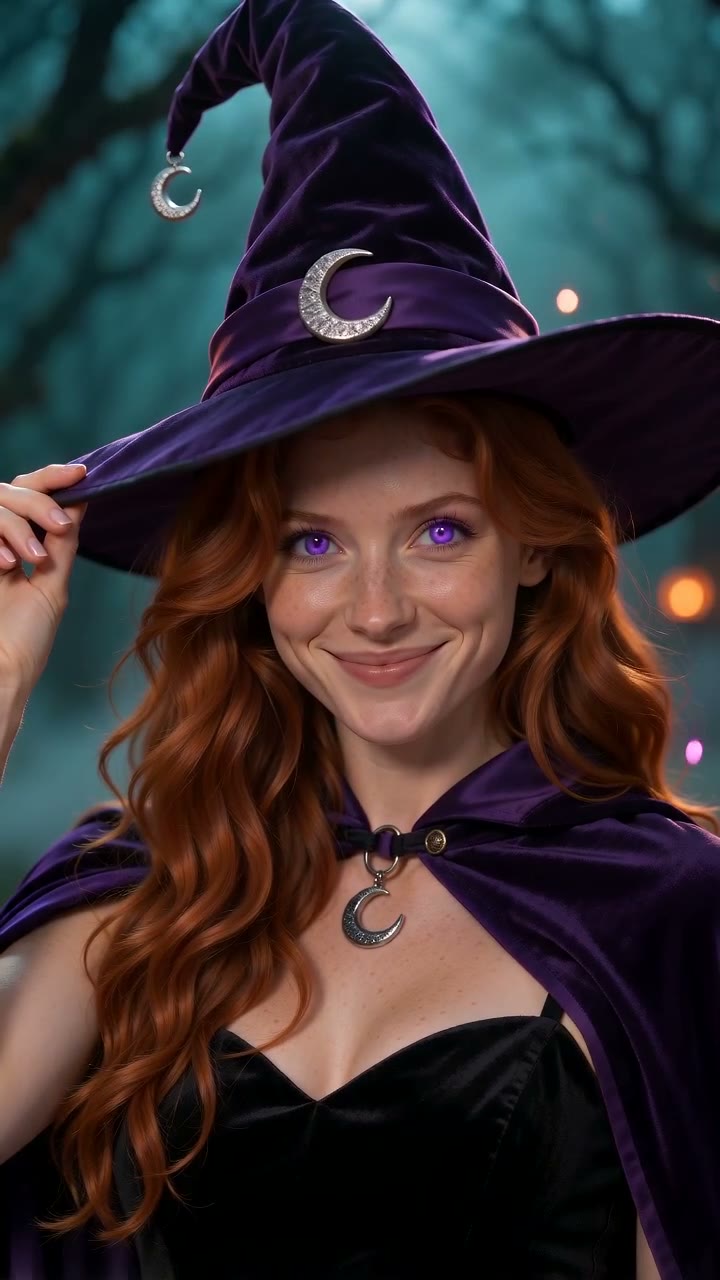
Ramalama Costume Walk
Create a 12-second vertical Halloween costume video from one photo. Choose from nine costumes for women, men and pets.
AI UGC video generator
Describe a video, add your references, or pick a ready-made template below.
Loading the available models…
No. 01 — Templates
Each template is a ready-made scene with useful settings already chosen. Add your photos on the template page and watch the result right there.
Create a 12-second vertical Halloween costume video from one photo. Choose from nine costumes for women, men and pets.
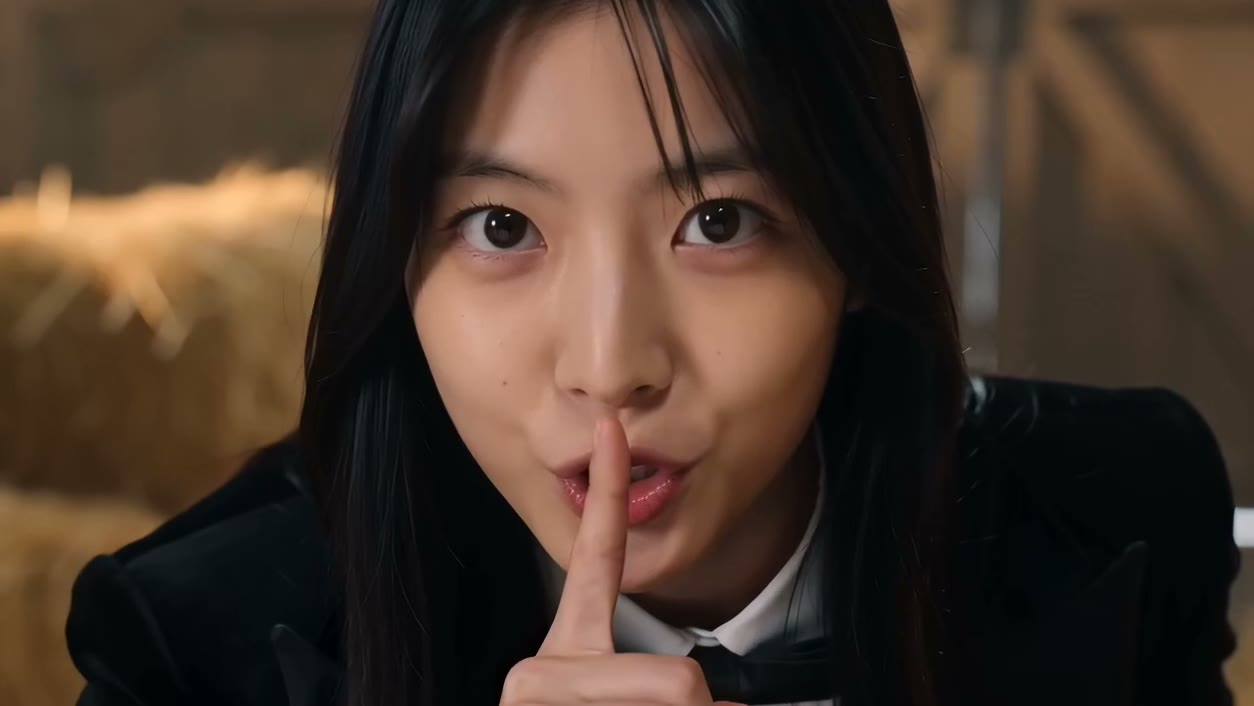
Create a Rumpelstiltskin-style barn dance from one photo. Get a playful 10-second video with the original song.
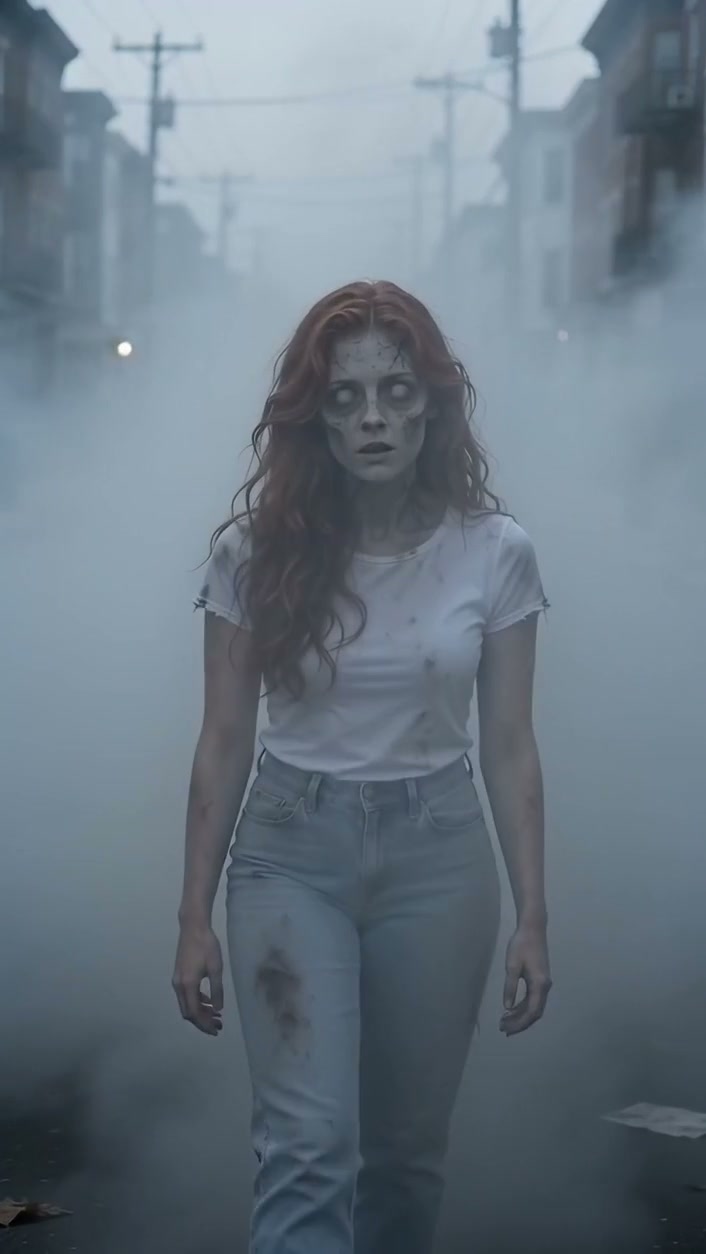
Create a 15-second AI zombie love story from two photos, with an abandoned city reunion and AI-generated sound.
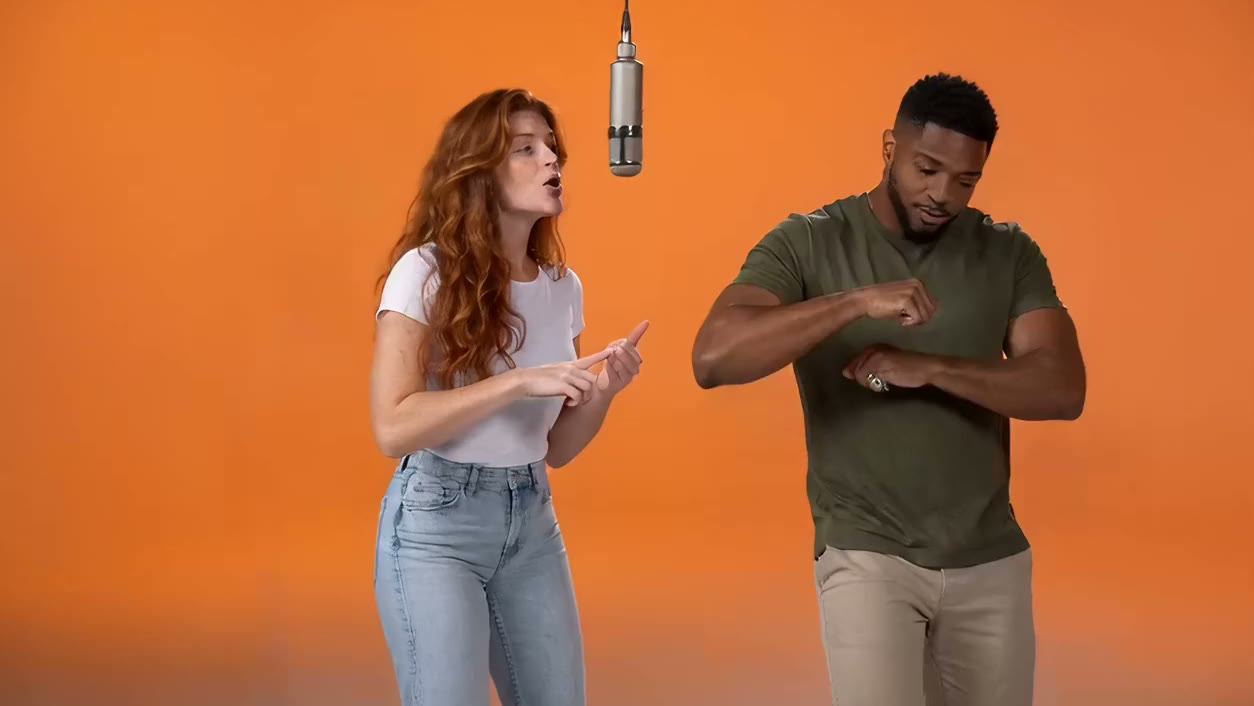
Create a Hotel Lobby AI duet from two photos. Put your left and right performers in an orange studio with the original song.
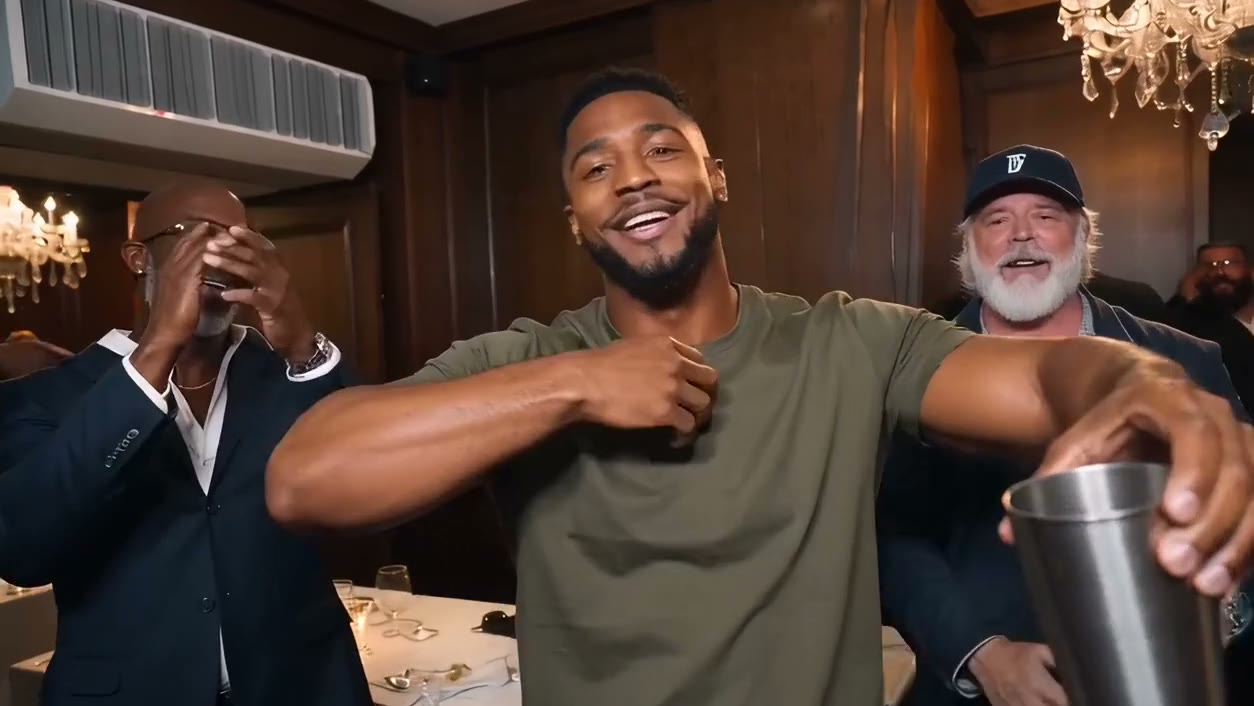
Create a Burning Bridges AI party video from one photo. Put your performer at the center of a 15-second clip with the original song.
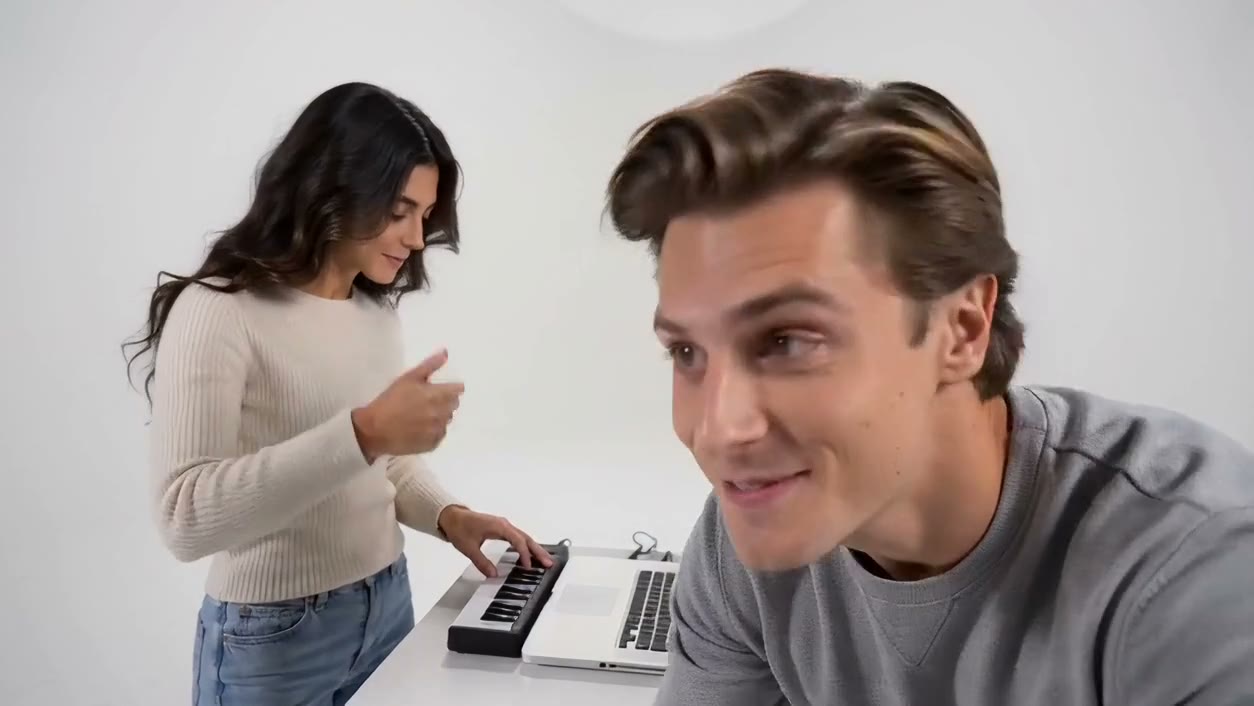
Create an Alors on Danse AI music duo from two photos. Cast the left keyboard player and right partner in a 15-second video with the original song.
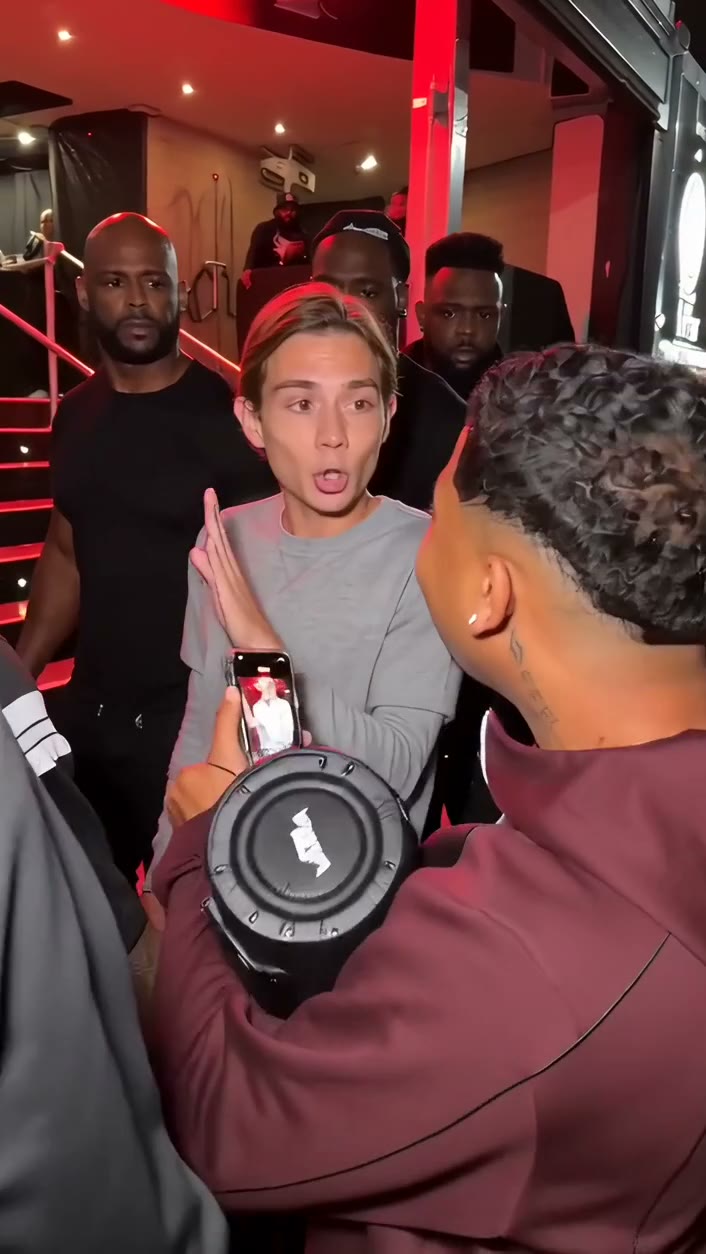
Create a Dame Hombro AI freestyle video from one photo. Join the face-off in a red-lit crowd for a 10-second clip with the original song.
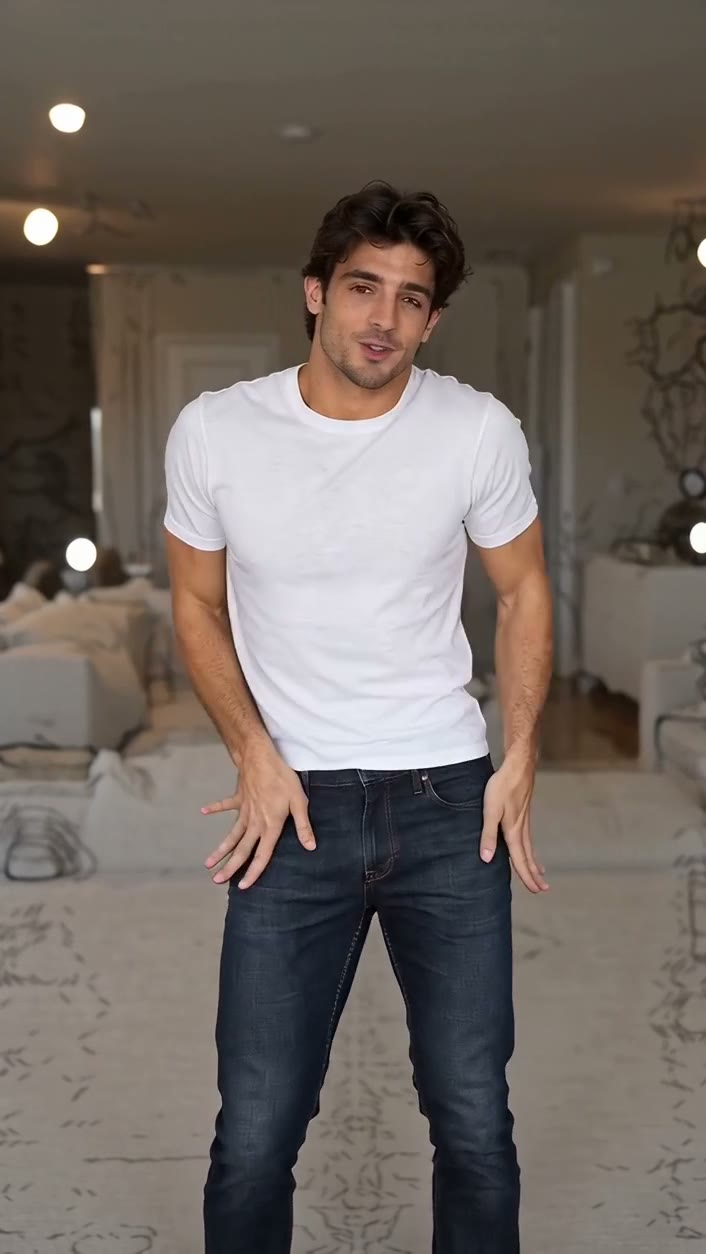
Create a Nicole Kidman-style living-room dance from one photo. Get a short solo video with the original song.
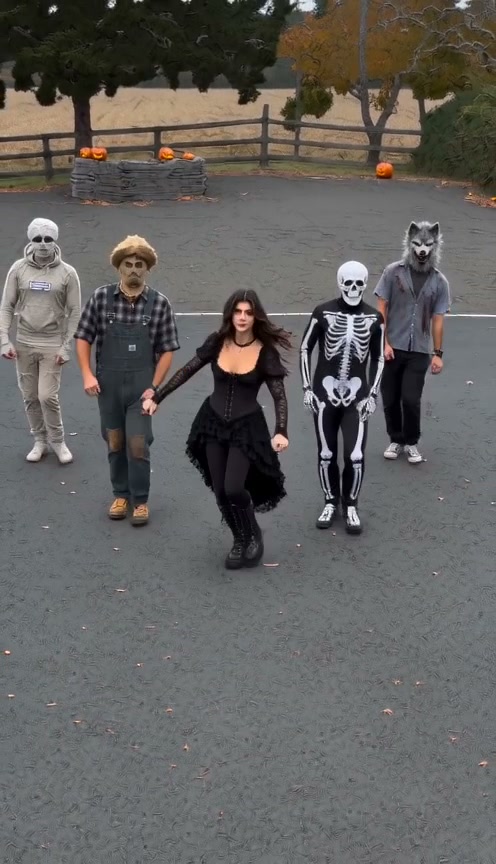
Keep on Steppin AI turns one photo into a 12-second vertical video: you lead the viral line dance in a gothic Halloween look, flanked by a masked squad.
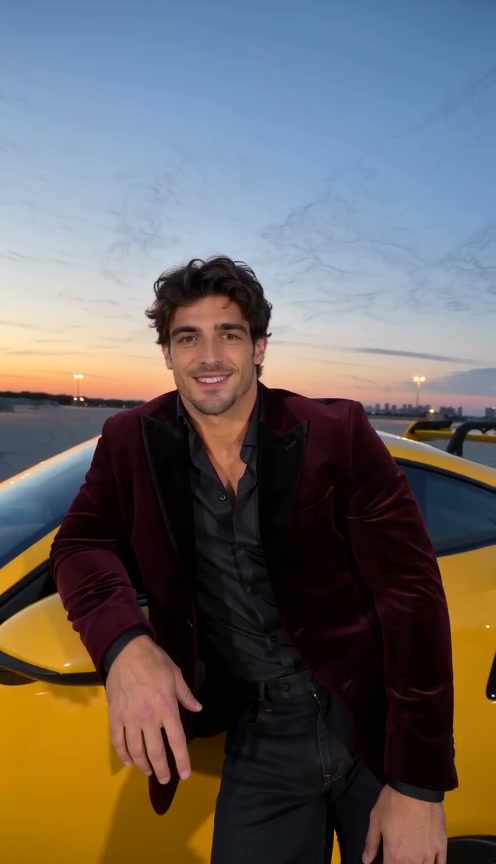
A Bandoleira Ta Louca AI turns one photo into a 10-second vertical video: you lean on a yellow sports car, grin into the lens and strut to the funk song.
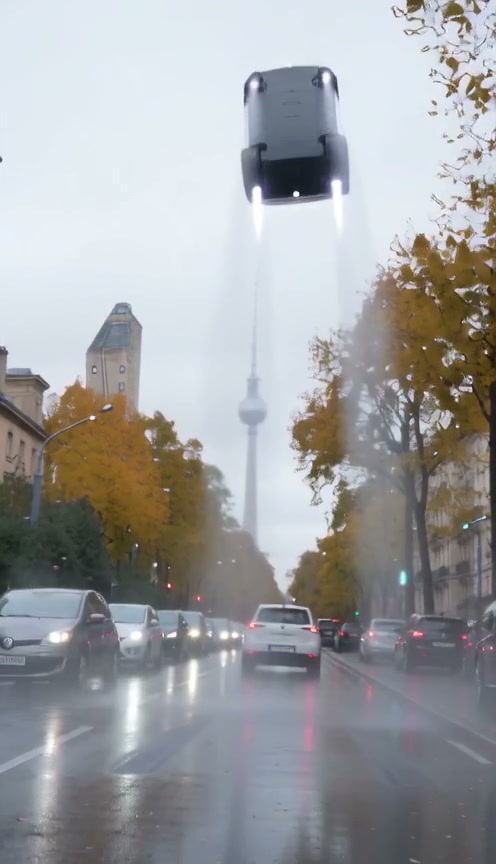
Tesla Roadster AI turns one photo into a 10-second vertical video: you sip coffee at the wheel of a white sports car, then it lifts straight off the street.
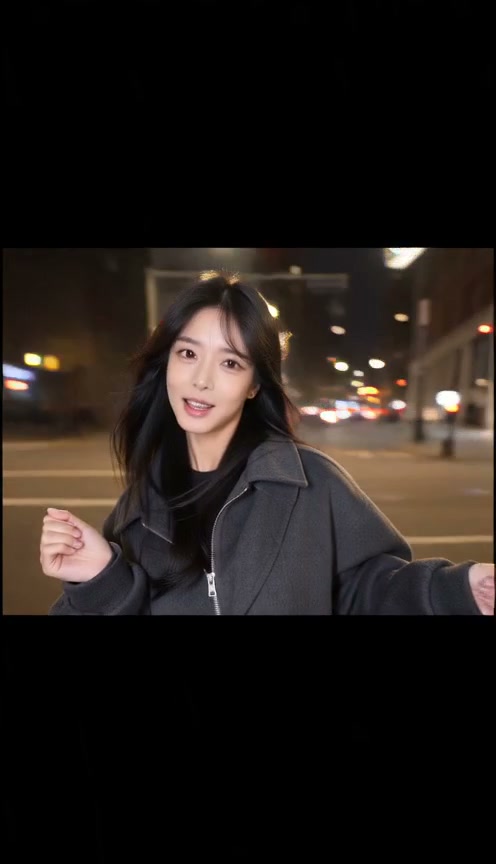
Nopowerbaank AI turns one photo into a 15-second vertical video: you pose to the beat, the picture squeezes into a strip on black, then cuts to a night street.
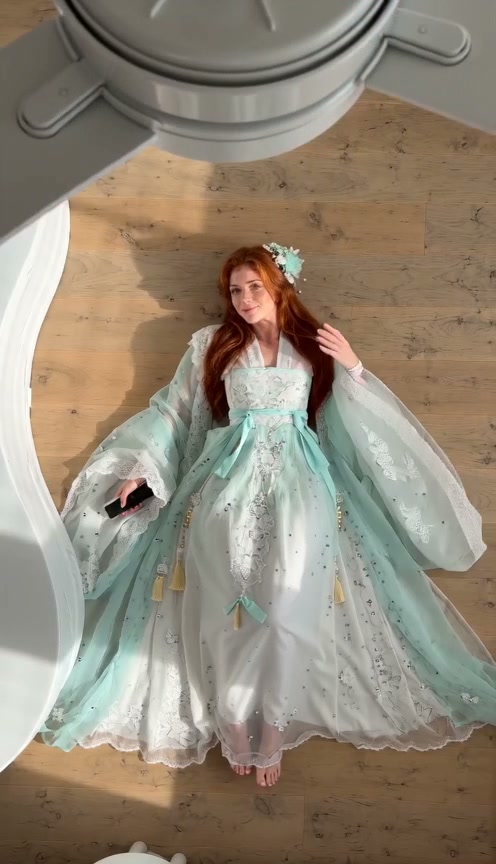
Fan Outfit Trend AI turns one photo into a 12-second ceiling fan video: each blade pass swaps you into a new traditional look, four in all, with sound.
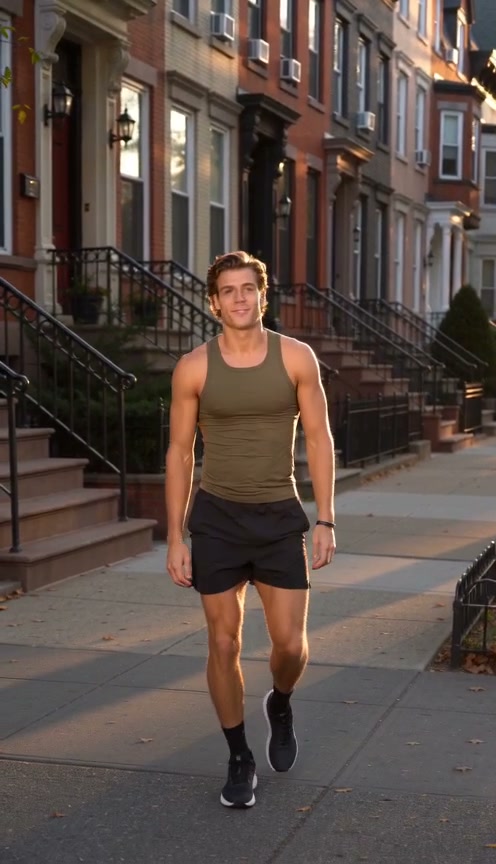
Fergie Baby AI turns one photo into a 10-second vertical video: you swagger down a sunny brownstone block, flex both arms, tap your chest and grin.
No. 01 — The wall
Real AI UGC ads that convert, from honest reviews to before-and-afters. Pick one, hit Recreate, and the recipe loads into your box.
PLINK Magnetic Lashes Review
Review · 9:16 · 15s
AMBRELLE Reed Diffuser Review
Review · 9:16 · 15s
TUCKA Cable Box Unboxing
Unboxing · 9:16 · 15s
Upholstery Stain Test
Before-after · 9:16 · 15s
Browse the templates, watch the use case and open the one you want to make.
Each photo slot says who it is for. Choose from the available scene options, then generate your version.
See the credit cost before you start. Watch the video on the same page, download it, and find it later in My videos.
Templates do the directing: scenes, camera, timing and sound are already in the recipe. You choose the people, and the video plays on the page you made it.
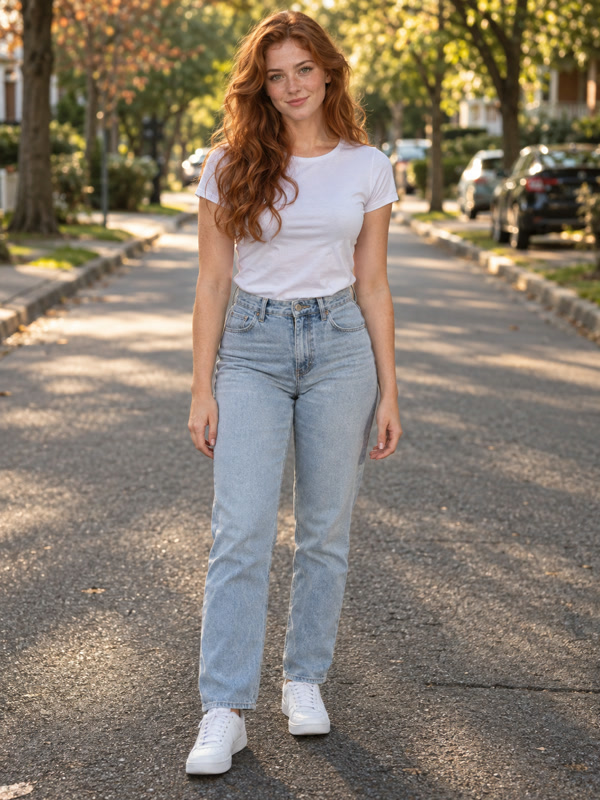
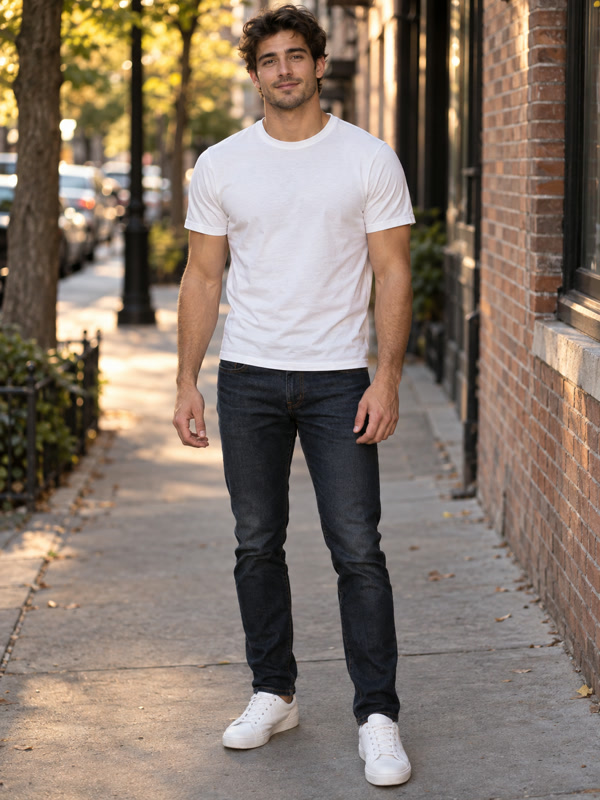
Your two photos
15-second zombie reunion
Choose a credit pack or subscription. Credit packs are a one-time payment with no auto-renewal; credits are valid for 12 months (365 days). No subscription required, and subscribers can buy packs too. Subscription credits expire at the end of each billing period.
Estimates use 520 credits per typical 15-second 720p video and exclude bonus credits. Video counts round down; annual plans use monthly averages. The dollar amount uses your plan’s credit rate. Actual requirements vary by duration and resolution.
For trying templates and making a video now and then.
Save 33% with annual billing
For creators who post trend videos every week.
Save 34% with annual billing
For teams and channels making videos at volume.
Save 34% with annual billing
AI UGC Studio is an AI UGC generator for short, social-style videos. Start with a ready-made template or describe your own video, add photos, then generate, watch and download on the same page.
A template is a ready-made scene with its camera, length, format and sound set for you, plus an example video. Add the photos it asks for, choose from its available options and generate your own version.
Pick a template, add your photos and choose the available options. Generate, then watch and download your video on the same page.
Yes. Use the input at the top of this page to describe any video and add reference images, then choose the model, format and length yourself.
Yes. Use the AI UGC ads creator to turn product photos into UGC-style video ads. Add your product photos and describe the scene, then generate, watch and download on the page.
Use one clear photo per person, with the face visible and even lighting. Avoid group photos, heavy filters and sunglasses. JPG, PNG and WebP up to 10 MB each are supported. Only upload photos of people who have agreed to it.
The cost is shown on the generate button before you start and updates with the options you choose. Credit packs start at 900 credits for $9.90, and subscriptions are available on the pricing page.
Credits for a failed generation are returned to your balance automatically, so you only spend credits on videos that are delivered.
Each video plays on the page where you made it, with a download button. Every successful video is also saved in My videos, so you can watch or download it later.
Most videos are ready within a few minutes. You can keep the page open and watch the result as soon as it is ready.
Yes. New templates are added as new trends appear, and each one gets its own page with an example, photo tips and answers to common questions.
For account, billing, or video-generation questions, contact our support team.
Watch the use cases, add your photos and see the credit cost before you start.
Browse templates