Upload one photo and take the lead in the viral Fan Outfit Trend: you lie under a turning ceiling fan, filmed from straight above, and every blade that sweeps the lens leaves you in the next of four traditional looks.
Four Traditional Looks, One Blade at a Time
In this take, which passed 520,000 views, one person under a ceiling fan moves through Thai, Chinese, Korean and Japanese traditional dress, one look per blade pass. Your Fan Outfit Trend video runs the same tour, with you as the lead in every outfit.
One Photo Instead of Four Outfits
This reel rotates four autumn outfits behind a wooden fan blade. Filming it yourself takes a ceiling fan, a phone mounted overhead, several outfits and careful editing to hide each change behind the blade. The Fan Outfit Trend AI template needs only one photo; the fan, the room and the four looks are made for you.
A Finished 12-Second Clip, Ready to Post
This take packs five outfits into one clip, from a little black dress to sweatpants, each cut hidden behind the blade. Your Fan Outfit Trend clip keeps that rhythm: three blade sweeps, four looks, a still overhead camera and the trend's sound, in 12 seconds of vertical 9:16, ready for TikTok, Reels or Shorts.
What Is the Fan Outfit Trend?
The Fan Outfit Trend, also called the ceiling fan outfit change, is a top-down TikTok format: someone lies under a turning fan, and each time a blade covers the lens they reappear in a new outfit. By September 24, 2026, @ariane.ilagan was posting a how-to for making it without AI, saying the original concept was inspired by @gat.noir; that clip has about 185,000 views. Two days later, @dayannacomas posted a "Fall outfits rotation" that passed 250,000 views.
Since then, creators have flipped through autumn fits, dresses and streetwear; a five-outfit streetwear take @j6cobcruz posted on October 13 has about 845,000 views. On October 17, @uvierays posted a tour of traditional dress, from Thai-style dress to Hanfu, hanbok and kimono, that passed 520,000 views within three days. This Fan Outfit Trend AI template makes that four-culture version with you as the lead.
How to Make Your Fan Outfit Trend Video
Upload one photo
Add a clear photo of one person, ideally head to toe. You star in every frame of your Fan Outfit Trend clip; the rest is set for you.
Choose video quality
Pick 480p, 720p or 1080p. Higher quality uses more credits.
Generate and download
Your 12-second vertical video arrives with the trend's sound. Download it here or find it later in My videos.
Tips for your photos
- Use a photo of one person only; you are the only one in the video.
- Use a photo that shows your face and body clearly; the video shows you from head to toe.
- Face the camera in even light, without sunglasses, hats or heavy filters; your face is small in a top-down shot.
- Only upload photos of yourself or of people who have agreed to appear in the video.
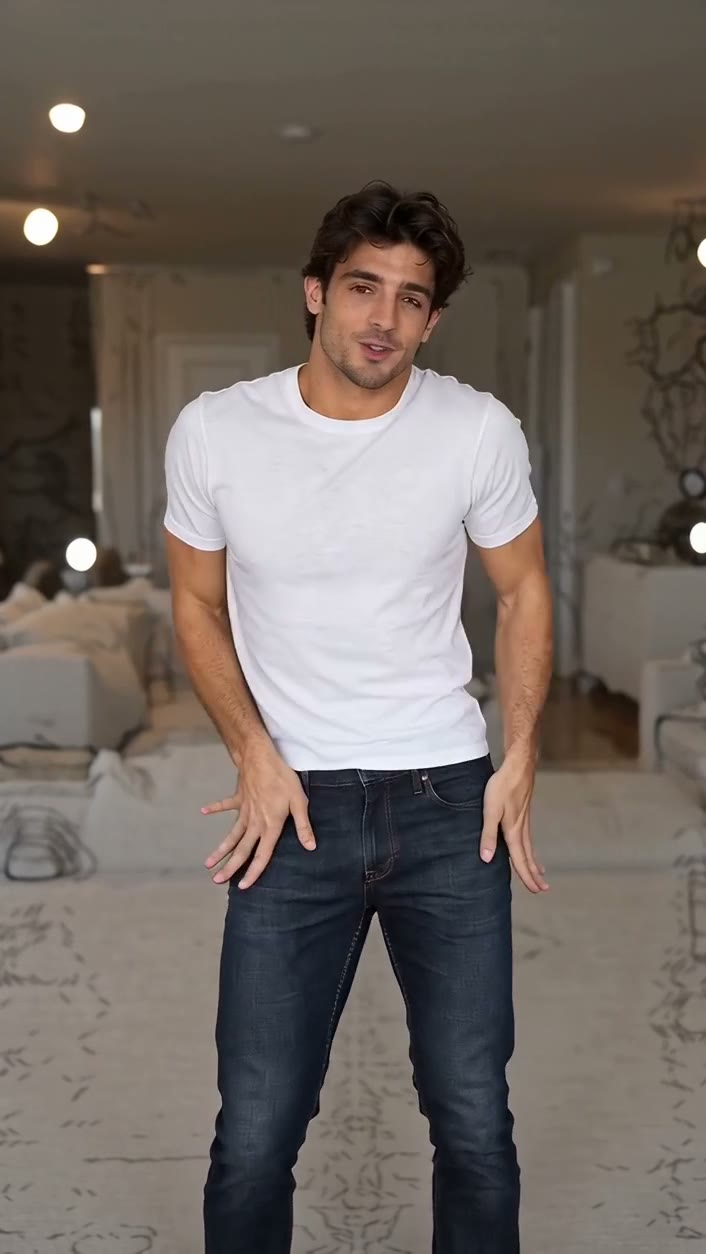
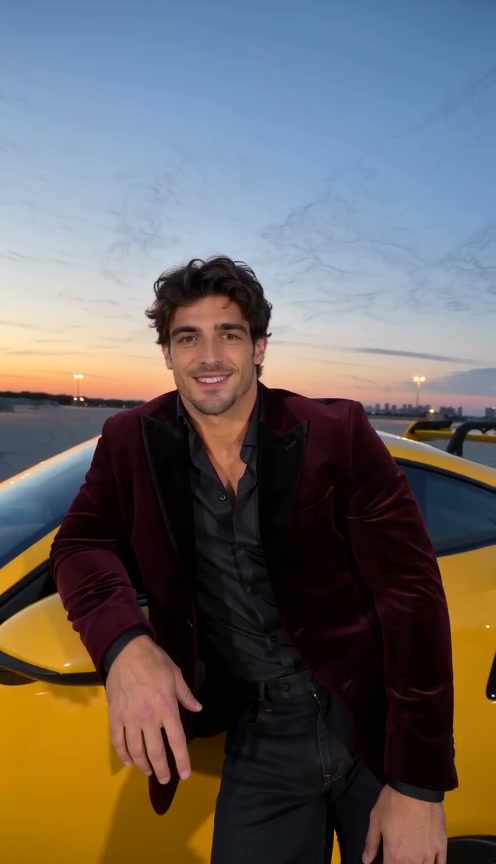
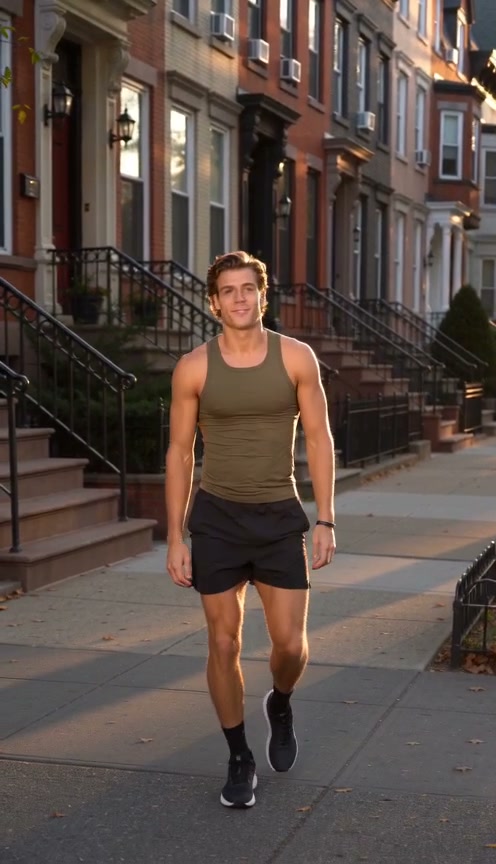
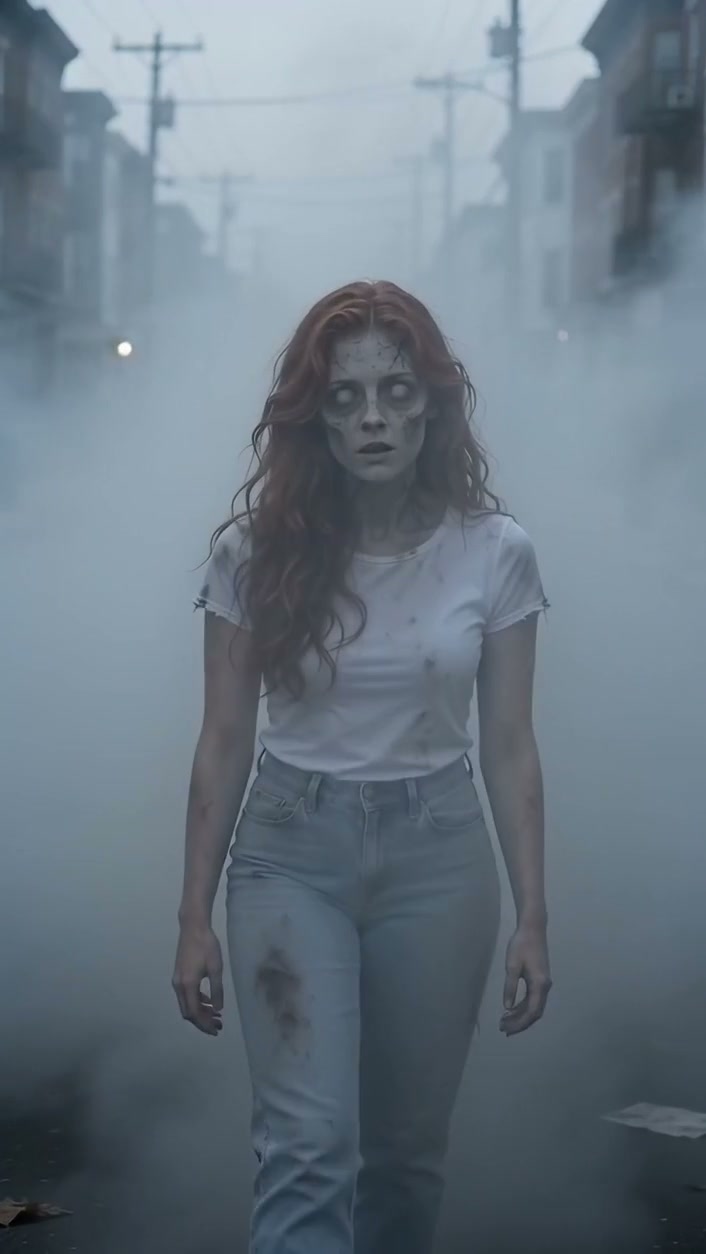
FAQs
What is Fan Outfit Trend AI?
Fan Outfit Trend AI is a template that turns one photo into the viral ceiling fan outfit change. The person in your photo lies under a turning fan, and three blade sweeps carry them through four traditional looks in 12 seconds.
How do I make a Fan Outfit Trend AI video?
Upload one clear photo of yourself, choose the video quality and press Generate. You don't need a ceiling fan, a change of clothes or any editing; the blade timing and the overhead camera are already set.
How many credits does a Fan Outfit Trend AI video use?
The credits needed appear beside Generate before you start, and they change with the video quality you pick. If a generation fails, the credits are returned automatically.
Will it still look like me in every outfit?
Yes. The video uses your photo as the reference for your appearance in all four looks; only the clothes change, so what you wear in the photo doesn't matter. Use a sharp, front-facing photo with your face unobstructed.
Can I choose the outfits?
Not in this template. Every Fan Outfit Trend video uses the same four traditional looks in the same order, timed to the three blade sweeps. The looks are designed for men too.
What do I get, and where do I find it?
Each Fan Outfit Trend video is 12 seconds long in vertical 9:16, with the trend's sound. It plays on this page with a download button and is also saved in My videos.
How can I contact support?
For account, billing, or video-generation questions, contact our support team.