Upload one photo, choose one of nine Halloween costumes, and generate a 12-second vertical video that builds to a dramatic costume reveal.
More costumes
A few of the costumes you can pick. Each one keeps the same reveal: boots first, then the full look, then a close-up finish.
Vampire
A red-lined cape and waistcoat walk through a candlelit hall.
Pet pumpkin
A golden retriever trots out in a jack-o'-lantern suit.
Glow skeleton
A hooded skeleton look with glowing bones and face paint.
Black cat
Cat ears, a sleek black outfit and a playful close-up finish.
All people and pets in these clips are AI-generated.
A slow Halloween reveal
Each video starts low on the ground, reveals the full costume as the camera rises, and finishes with a close-up of the face on the beat. Choose the costume that fits the person or pet in your photo.
How to create a Ramalama Costume Walk video
Upload one photo
Use one clear photo of one person or one pet, with the face and outfit easy to see.
Choose a costume
Pick from nine costumes for women, men or pets. The selected costume is applied to your photo when you generate.
Generate and download
Check the credit cost beside Generate, then watch or download your 12-second video here or in My videos.
Where this scene fits
Costume reveal
Plan a Halloween post around a witch look or a spooky entrance.
Event teaser
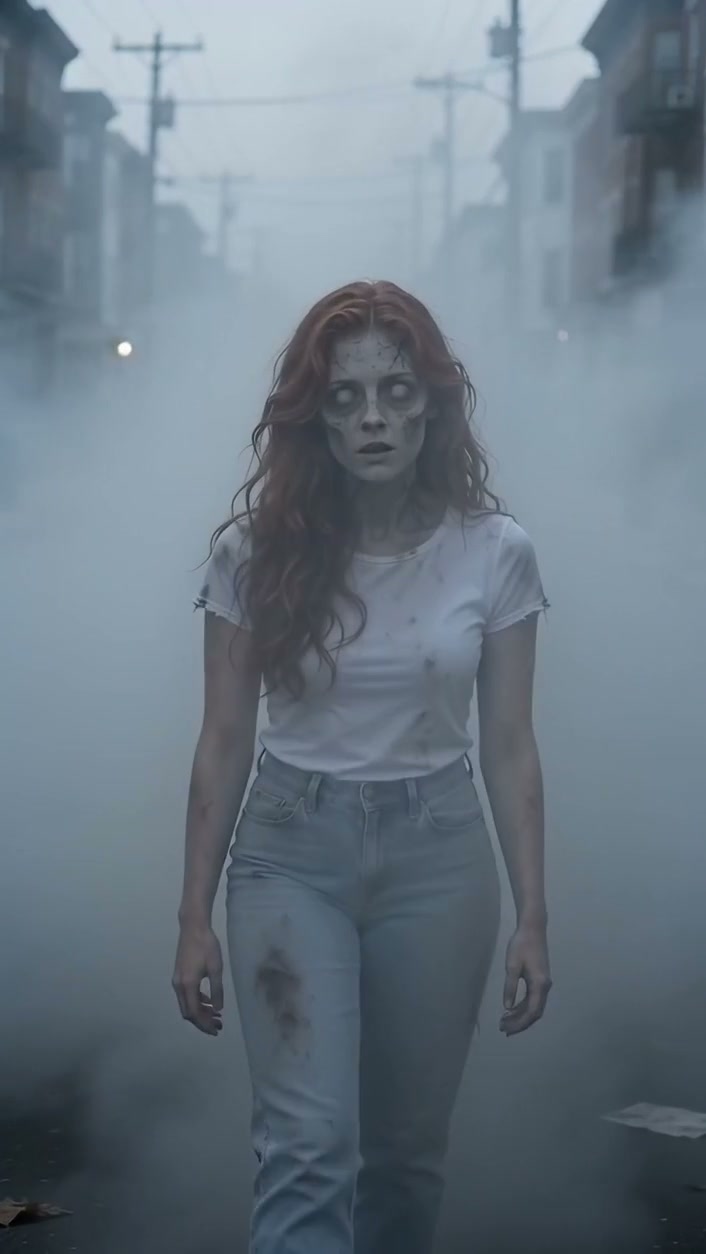
Use the foggy reveal as a visual reference for a costume party announcement.
Tips for your photos
- Use one person or one pet in the photo, with the face clearly visible.
- A full-body photo shows more of the costume and stance.
- Pick a costume that matches the subject: women, men or pets.
- Avoid group shots, heavy face filters and photos where the face is hidden.


FAQs
What does the video show?
Each video starts low on the ground, reveals the full costume as the camera rises, and ends on a close-up of the face.
How many photos do I need?
One. Upload one clear photo of one person or one pet.
Which costumes can I choose?
Nine costumes are available. Witch, Glow Skeleton, Black Cat and Victorian Ghost are for women; Vampire, Pumpkin Scarecrow and Mad Scientist are for men; Pet Witch and Pet Pumpkin are for pets.
Which video quality can I choose?
Choose 480p, 720p or 1080p before you generate. The selected quality is included in the credit cost shown beside Generate.
How many credits does it use?
Video quality options cost 210 credits at 480p or 420 credits at 720p or 630 credits at 1080p. Review the cost beside Generate before starting. Confirmed failed generations return their credits.
What if the generation fails?
Credits for a failed generation are returned automatically. You can retry with the same photo and costume.
Where do I find my video later?
The video plays on this page with a download button. Successful videos are also saved in My videos.
How can I contact support?
For account, billing, or video-generation questions, contact our support team.