Upload the one who turns first, then the survivor. Create a non-graphic reunion on an abandoned city street, with a rush toward an embrace and AI-generated sound.
A reunion down an abandoned street
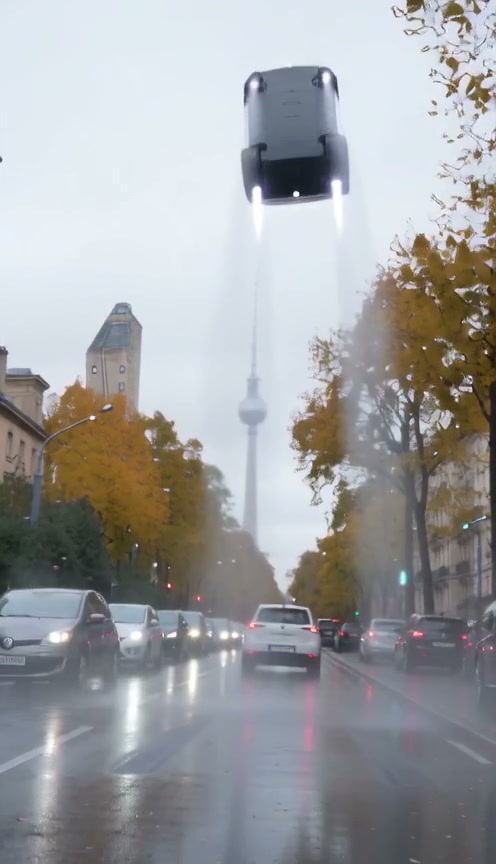
One person has turned; the other still recognizes them. A view from behind the survivor's shoulder follows their loved one racing down an abandoned city street, before an embrace carries them into a sunny memory of the same place.
A story with two very different moods
The abandoned city street stretches into the distance behind the survivor's shoulder. A tense encounter becomes a sprint, an embrace and a warm memory, accompanied by AI-generated sound.
More zombie love stories
Another way the same story can play out: a different couple, a different city, the same turn from fear to relief.
Infected golden retriever
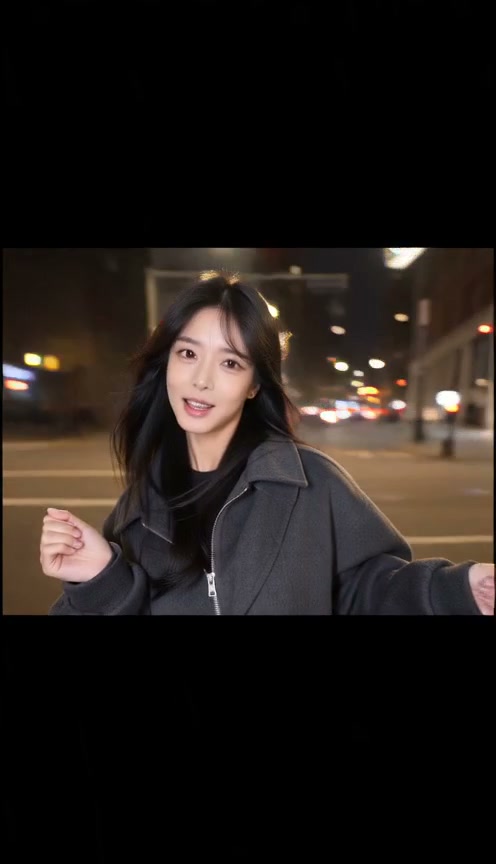
A zombie golden retriever walks out of the fog, its owner lowers the gun, and it bounds back to her on a sunlit lawn.
Rainy city street
A man faces his partner across a wet crosswalk, then holds her in an open field at sunset.
All people and pets in these clips are AI-generated.
What is the AI zombie trend?
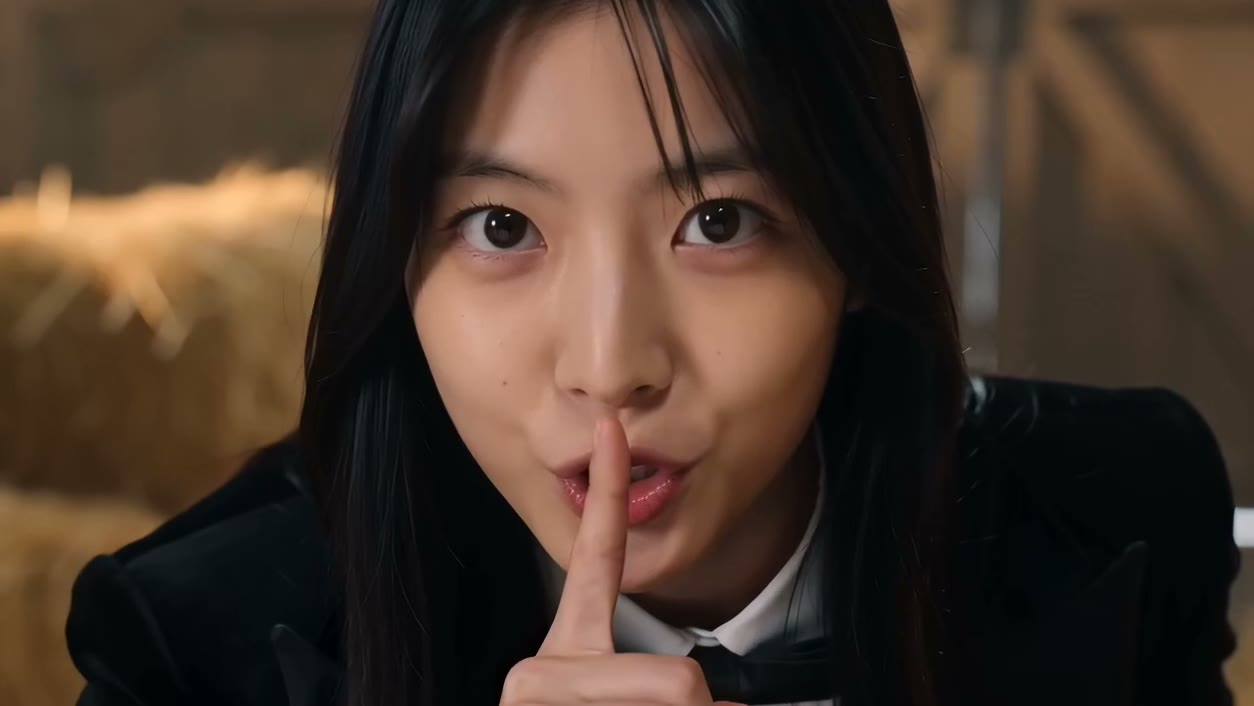
AI zombie videos place familiar people in fictional, spooky scenes, often as short transformation stories.
How to create a Zombie Love Story video
Add two photos
Use the first photo for the one who turns into a zombie and the second for you, the survivor.
Choose video quality
Choose 480p, 720p or 1080p and check the credit cost beside Generate before starting.
Generate and download
Watch your video with AI-generated sound, then download it here or find it in My videos.
Ideas for your finished video
A couple reunion
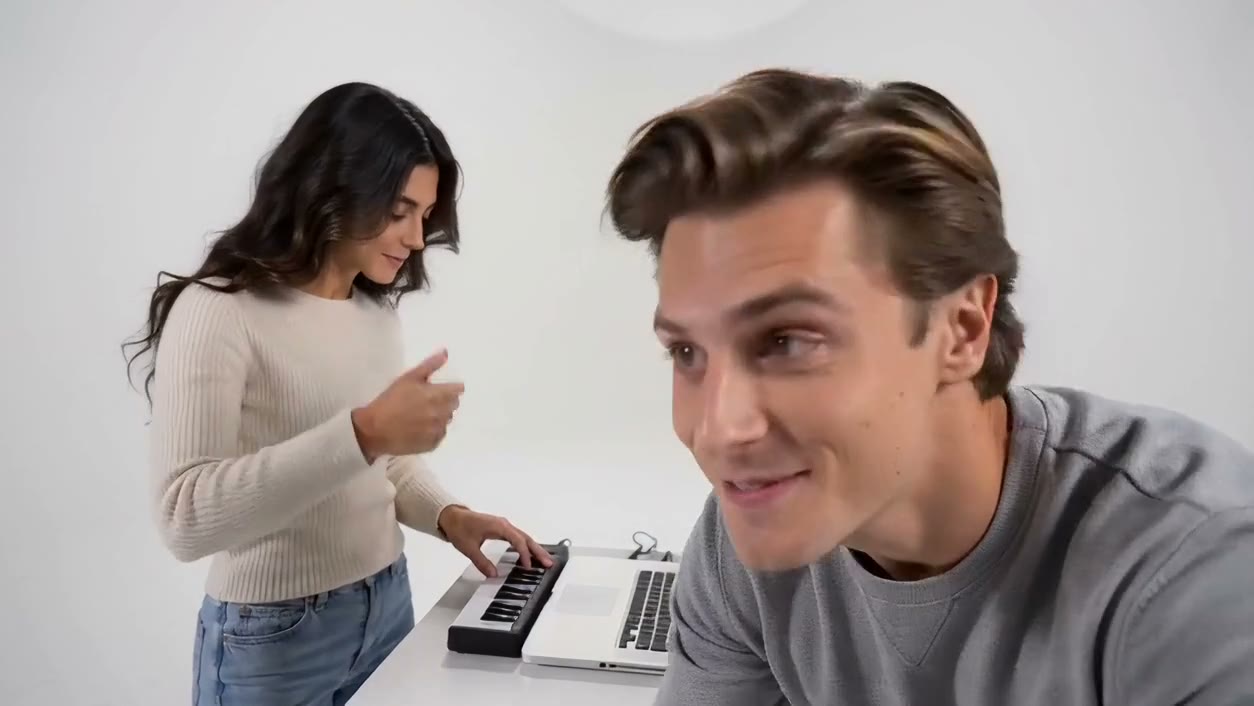
Use two portraits to tell a short, fictional reunion story.
A spooky seasonal post
Create a spooky, non-graphic reunion clip for a Halloween-themed social post.
Tips for your photos
- Use two separate, clear portraits: photo 1 is the one who turns and photo 2 is you, the survivor.
- Choose front-facing photos with visible faces and even lighting; avoid group photos, sunglasses and heavy filters.
- Only upload photos of people who have agreed to appear in the video.
FAQs
Is the story graphic?
No. The video uses non-gory zombie makeup and a gentle, fictional reunion.
Which video quality can I choose?
Choose 480p, 720p or 1080p before you generate. The selected quality is included in the credit cost shown beside Generate.
How many credits does it use?
Video quality options cost 260 credits at 480p or 520 credits at 720p or 780 credits at 1080p. Review the cost beside Generate before starting. Confirmed failed generations return their credits.
What story does this template create?
On an abandoned city street, an infected loved one races toward the survivor. The view from behind the survivor's shoulder follows the approach, then an embrace cuts to the same street before the outbreak.
What if the generation fails?
Credits for a failed generation are returned automatically. You can retry with the same photos and video quality.
Do I need to sign in?
You can choose photos and video quality first. If sign-in is needed, your choices carry over.
Where do I find my video later?
The video plays on this page with a download button. Successful videos are also saved in My videos.
What video will I receive?
A 15-second video in 9:16 format, with AI-generated sound included.
Does my video include sound?
Yes. Your finished video includes AI-generated sound that moves from tense atmosphere to warm piano music.
How can I contact support?
For account, billing, or video-generation questions, contact our support team.